
Text Similarity Detection
Identifies passages that match or resemble source material so a qualified reviewer can assess their context and citation.
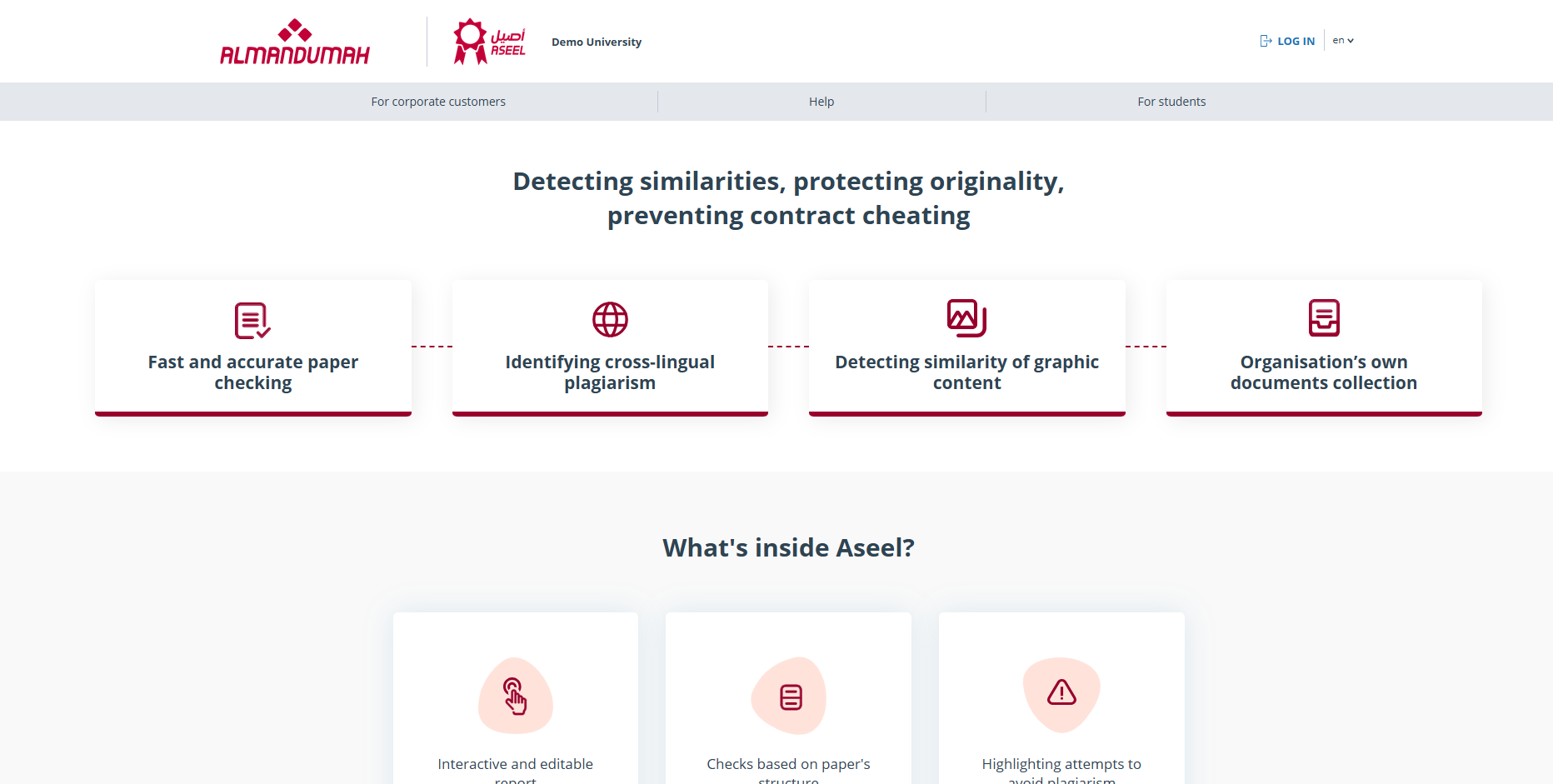
Aseel supports publishers, journal editors, reviewers, faculty members, and academic institutions in checking work submitted to them. It compares content with multiple sources and provides detailed similarity reports to support qualified scholarly and editorial review.
Purpose of the Service
Capabilities
Identifies passages that match or resemble source material so a qualified reviewer can assess their context and citation.
Distinguishes text where the author or co-author of the source is also the author of the checked document.
Excludes properly formatted quotations with full bibliographic information from the plagiarism score.
A brief report with an originality percentage and source list, or a full report with the complete document text marked with similarity blocks.
The system includes several search modules such as internet search, citations, IEEE library, and cross-language search.
Users assigned more than one role can switch between them from the top of the page.
Advanced
Getting Started
Open the Aseel platform and sign in using the account details provided for your institution.
After logging in, a "Menu" icon appears at the top right of every page for navigating your account sections.
If assigned multiple roles, select the one you need from the dropdown at the top of the page.
Upload the text document and get a brief or full report showing similarity and originality percentages.
Terms & Definitions
The proportion of all found similar text relative to the total size of the checked document in characters.
The proportion of reused text attributed to the same author or co-author, relative to the total number of characters in the checked document.
The proportion of all found quotes relative to the total size of the checked document in characters.
The proportion of document text fragments not found in any of the sources used for the check.
A software module implementing the search for text reuse, using a search index or special computational algorithm. The system can have several such modules.
Get started today